
PDF Toolbox
LiveCompress, sign, stamp, convert
On the App Store as “PDF Toolbox: Split, Merge, OCR”

See it run.
About twenty-five seconds of PDF Toolbox doing its job, recorded straight off the phone. No captions, no voice-over, nothing staged — the same clip the App Store shows.
Watch on YouTubeFree web tool
How do you split a PDF into separate files by page range (without uploading it)?
To split a PDF, you decide which pages go into each new file and copy just those pages into fresh documents — the original is never changed. The quickest way is to type page ranges: list the pages and spans you want, separated by commas, using a dash for a run, like 1-3,7,9-12. That makes one new PDF per group — pages 1 through 3 in the first file, page 7 in the second, and pages 9 through 12 in the third — so a single line can break a long scan into the exact sections you need. If you'd rather chop a document into equal pieces, split every N pages instead: “every 2 pages” turns a 10-page file into five two-page PDFs. Because splitting only copies pages, it's instant and lossless, and it never has to reach a server — the whole job can run right in your browser, so a private contract, tax form, or medical record stays on your device. The tool below does exactly that: pick a PDF, type your ranges, and download the split files with nothing ever uploaded.
Split a PDF
Pick a PDF and pull out the pages you need. It’s split right here in your browser — the file is never uploaded.
or drop a PDF anywhere in this box
Same range parser as the app (type “1-3,7,9-12”) — split entirely in your browser with nothing uploaded.
Take it with you
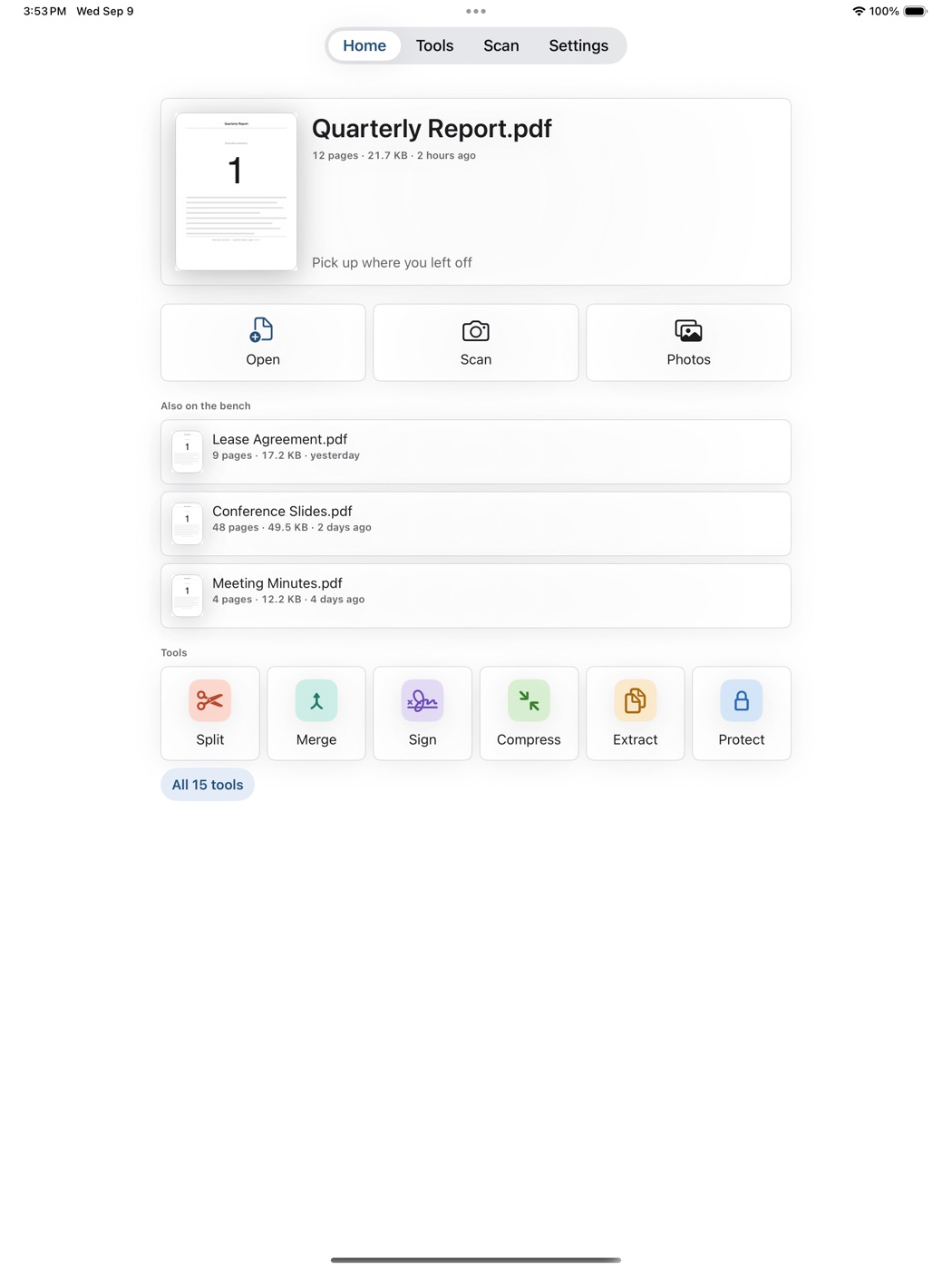
PageSplit is now PDF Toolbox — fifteen tools in one app, bought once. Beside the splitter it merges, compresses, watermarks, adds page numbers and Bates numbering, sets or removes a password, signs, marks up, fills forms, scans with the camera, converts pages to images, and reads the words off a scan so they can be selected and searched — and it checks every PDF it writes before handing it to you, on iPhone and iPad, with nothing ever uploaded.
What it is
Fifteen PDF tools in one app, bought once. Split a PDF by page ranges or every N pages, extract, reorder, delete, rotate. Merge several PDFs in order, interleaved or reversed. Compress and see the real before-and-after size. Add a watermark, page numbers or Bates numbering. Set or remove a password. Sign, mark up, fill a form. Scan with the camera, turn photos into a PDF or a PDF into images, and read the words off a scan so they can be selected and searched. It was PageSplit until 2.0 — the same app record, a free update for anyone who already owned it.
Why we built it
The real problem with a PDF app is not whether it works offline. It is what it does to your file once you trust it: corrupted files, blank saves, lost annotations, disappearing pages. PDF Toolbox is built around one rule — your file is never modified, and every PDF it writes is checked before you see it. If a check fails you get a plain error and no file, never a broken one labeled as done.
Want one like this?
PDF Toolbox is one of 27. We can build yours.
Every app on the shelf started as one honest problem, scoped small and built native, end to end. That’s exactly how we approach client work — designed, built and shipped, without the bloat.